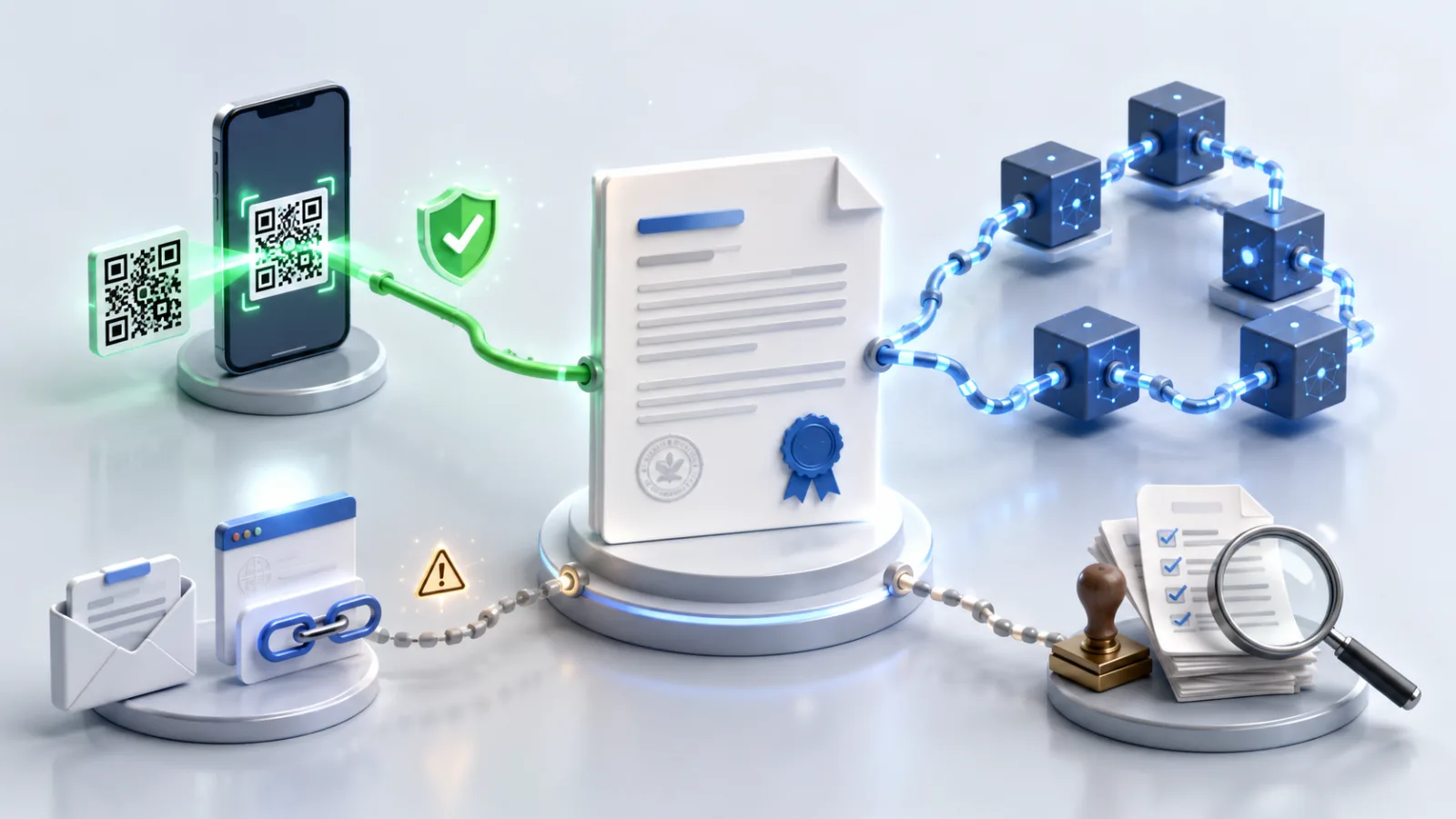
A document used to be trusted because it looked official. That assumption is now a liability: a convincing forgery takes seconds to produce, and the human eye cannot tell the difference. Scan-to-verify replaces appearance-based trust with a check anyone can run from a phone.
This pillar guide explains what scan-to-verify is, how it works end to end, which documents need it, how it compares to other verification methods, and where it fits in 2026. It links out to deeper articles on the QR mechanics, dynamic versus static codes, and recipient steps.
What does scan-to-verify mean for documents?
Scan-to-verify means confirming a document's authenticity by scanning a QR code printed or embedded on it, which resolves to a live, issuer-controlled proof page. The recipient sees in seconds whether the document is genuine and whether it has been altered since issuance — no phone calls, no waiting on the issuer, no specialist software. It works across document types: academic certificates, bank statements, contracts, offer letters, permits, and official letters. The trust comes from where the scan leads: because the proof page lives on the issuer's own infrastructure, a forged copy cannot fabricate a valid result. QR scanning is also familiar to the public — Statista reports that around 68% of U.S. consumers scanned a QR code in the past year (Statista) — so adoption requires no new habits.
How does scan-to-verify work end to end?
Scan-to-verify works in two phases: issuance and verification. At issuance, the platform computes a cryptographic hash of the authentic document, generates a unique QR code, and publishes a hosted proof page on the issuer's domain. At verification, a recipient scans the code with any phone camera, the proof page loads in a browser, and it confirms whether the copy they hold matches the issued original, surfacing issuer identity, issue date, and an audit trail. For the underlying mechanics, see how QR code document verification works; for the recipient's perspective, see the step-by-step guide to verifying a QR-coded document. The verification either reaches the issuer's genuine record, or it fails — there is no ambiguous middle.
Why does scan-to-verify matter in 2026?
Scan-to-verify matters because AI has made document forgery cheap, fast, and convincing, so appearance is no longer evidence of authenticity. Digital document forgeries rose 244% year over year in 2024 and, for the first time, overtook physical counterfeits to make up 57% of all document fraud (Entrust 2025 Identity Fraud Report). The downstream cost is real: U.S. cybercrime losses hit a record $16.6 billion in 2024, up 33% year over year (FBI IC3 2024 Internet Crime Report). The organizations absorbing that cost — universities, banks, fintechs, title and escrow firms, HR teams, and regulators — need a verification method any recipient can run instantly and at scale. A scan that resolves to an issuer-controlled record provides exactly that.
Which documents need scan-to-verify the most?
The documents that need scan-to-verify most are those that are high-value, frequently forged, or checked by people outside the issuing organization. Bank and income statements top the list because manual verification is slow and costly — industry pricing runs $60–$125+ per request and takes 1 to 5 business days, while automated databases clear only about 30–35% of requests (industry pricing via Truework). Academic credentials are another hotspot, set against a diploma-mill and fake-degree ecosystem estimated at roughly $21 billion (Parchment). Add to these employment offer letters, property deeds, legal documents, and permits and licenses, where a single forged document can carry serious financial or legal consequences.
How does scan-to-verify compare to other methods?
Scan-to-verify differs from older methods in speed, whether the recipient must contact the issuer, and whether tampering is actually caught.
| Method | Time to verify | Works without contacting the issuer? | Detects tampering? |
|---|
| Email or phone the issuer | Hours to days | No | Partially |
|---|
| Manual visual inspection | Seconds | Yes | No |
|---|
| Static digital signature | Minutes (needs software) | Sometimes | Yes, if validated |
|---|
| Blockchain registry lookup | Varies, often complex | Yes | Yes |
|---|
| Scan-to-verify (QR + proof page) | Seconds | Yes | Yes |
|---|
For a deeper breakdown, see QR verification vs blockchain vs email links vs manual and, when planning a rollout, dynamic vs static QR codes for document verification.
Where does VerifyDoc.ai fit in scan-to-verify?
VerifyDoc.ai is a verification-first platform built around scan-to-verify. When a document is issued or signed, it attaches QR-backed verification, an issuer-controlled proof page, a certificate of authenticity, cryptographic hashing, and a tamper-evident audit trail — and recipients verify with no login or app. It complements e-signature and automation tools by proving the finished document, not just capturing a signature, which is why teams compare it against incumbents in guides like VerifyDoc vs DocuSign. To go deeper on the surrounding concepts, the pillar on how to verify document authenticity ties the whole verification stack together. Scan-to-verify is the recipient-facing front end of that stack: simple to use, hard to defeat.