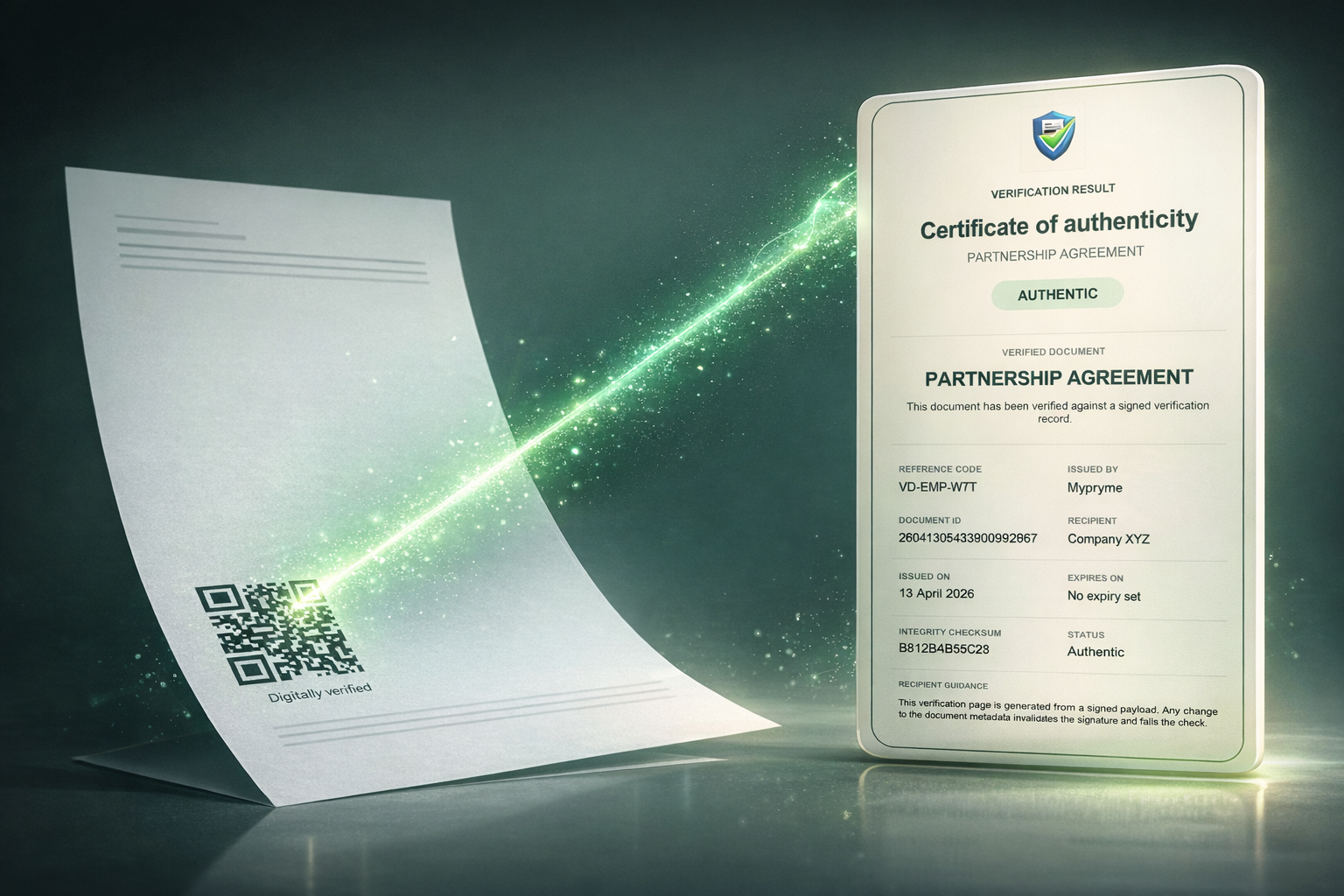
Every business runs on documents it has to trust: offer letters, bank statements, contracts, certificates, permits, and invoices. For decades, the test was simple — if it looked official, it was treated as real. That assumption is now broken. Generative AI can produce a flawless-looking PDF, complete with logos, watermarks, and a plausible signature, in minutes.
This is the pillar guide to verifying document authenticity in 2026. It explains what authenticity actually means, why visual inspection no longer works, the four methods that do, a step-by-step playbook you can run today, and how VerifyDoc.ai fits for SMBs, HR, and compliance teams that need recipients to confirm a document is real without a phone call or a support ticket.
What does document authenticity actually mean?
Document authenticity means two things are simultaneously true: the document genuinely originates from the issuer it claims to come from, and it has not been altered since that issuer released it. Authenticity is not the same as a document looking professional, and it is not the same as a signature being present — a forger can copy a letterhead and paste a signature image. Real verification answers three questions: who issued this, is this the exact version they issued, and can the recipient confirm both independently. A genuine offer letter, diploma, or bank statement should carry evidence that ties it back to a source the recipient can check directly, rather than relying on the document to vouch for itself. When that chain of proof is missing, you are trusting appearance, which is exactly what modern fraud exploits.
Why does visual inspection fail to catch fakes now?
Visual inspection fails because AI has made convincing forgeries cheap, fast, and scalable, so "it looks legitimate" is no longer evidence of anything. Digital document forgeries rose 244% year over year in 2024 and, for the first time, overtook physical counterfeits to make up 57% of all document fraud (Entrust 2025 Identity Fraud Report). Deepfake fraud attempts climbed 2,137% over three years (Signicat, 2025), and the financial damage is concrete: U.S. cybercrime losses hit a record $16.6B in 2024, up 33% year over year, with business email compromise alone accounting for $2.77B (FBI IC3 2024 Internet Crime Report). A human reviewer skimming a PDF cannot reliably distinguish a real document from an AI-generated one, which is why teams need a verifiable check rather than a trained eye. The deeper signals are covered in our guide to AI document fraud red flags.
What are the methods that actually verify a document?
There are four reliable methods, and most robust workflows combine several. First, an electronic signature captures the legal act of signing with consent and intent; second, a digital signature uses cryptographic PKI to prove the file is unaltered — these are not synonyms, as explained in electronic signature vs digital signature. Third, cryptographic hashing produces a unique fingerprint of the file so any change, even one pixel, is detectable. Fourth, a QR code resolving to an issuer-controlled proof page lets any recipient confirm authenticity in seconds with no software, paired with a certificate of authenticity that records what was issued and when. The first two prove the signing event; the last two prove the finished document remains genuine after it leaves the issuer. For PDFs specifically, see how to verify a signed PDF, and for the QR model, QR code document verification.
How do the main verification methods compare?
Each method answers a different question, so the right choice depends on whether you need to prove the signing event, detect tampering, or let an outside recipient verify without contacting you.
| Method | What it proves | Recipient can verify alone? | Detects post-issue tampering? | Best for |
|---|
| Electronic signature | Intent and consent to sign | No | No | Legal enforceability of agreements |
|---|
| Digital signature (PKI) | File unaltered since signing | Sometimes (needs reader/software) | Yes, if validated | Signed PDFs and contracts |
|---|
| Cryptographic hash | Exact file is unchanged | Only if given the reference hash | Yes | Archival integrity, audit trails |
|---|
| QR + issuer proof page | Document is genuine and current | Yes, in seconds, no app | Yes | Documents shared with third parties |
|---|
| Certificate of authenticity | What was issued, by whom, when | Yes | Yes | Certificates, credentials, deeds |
|---|
What is a step-by-step playbook to verify a document?
Use a layered ritual that takes under a minute and does not depend on the document looking trustworthy. Step 1: identify the issuer and confirm you can reach them through a channel you found independently, not a link or number printed on the document. Step 2: if the document has a QR code or verification URL, scan it and confirm the destination domain genuinely belongs to the issuer, then read the proof page result. Step 3: for a signed PDF, open the signature panel in your PDF reader and confirm the signature is valid and the certificate is trusted. Step 4: if you were given a reference hash, compute the file's hash and compare. Step 5: cross-check the substance — names, dates, amounts, and reference numbers — against the issuer's record. If any layer fails or cannot be completed, treat the document as unverified rather than assuming it is fine.
How does VerifyDoc.ai fit into this?
VerifyDoc.ai is built for the step most tools skip: proving the finished document after it is issued or signed. It attaches QR-backed verification, a hosted issuer-controlled proof page, a certificate of authenticity, cryptographic hashing, and a tamper-evident audit trail, so any recipient — a landlord, employer, lender, or regulator — can confirm a document is authentic and unaltered with no login and no app. That complements e-signature tools like DocuSign or Adobe Acrobat Sign, which capture the signature but leave the recipient with no easy way to re-check the result later. It fits HR teams issuing tamper-proof offer letters, compliance teams issuing a certificate of authenticity, and any team that needs a document to stay provable years after issuance. To understand the legal backing, see ESIGN Act vs UETA.