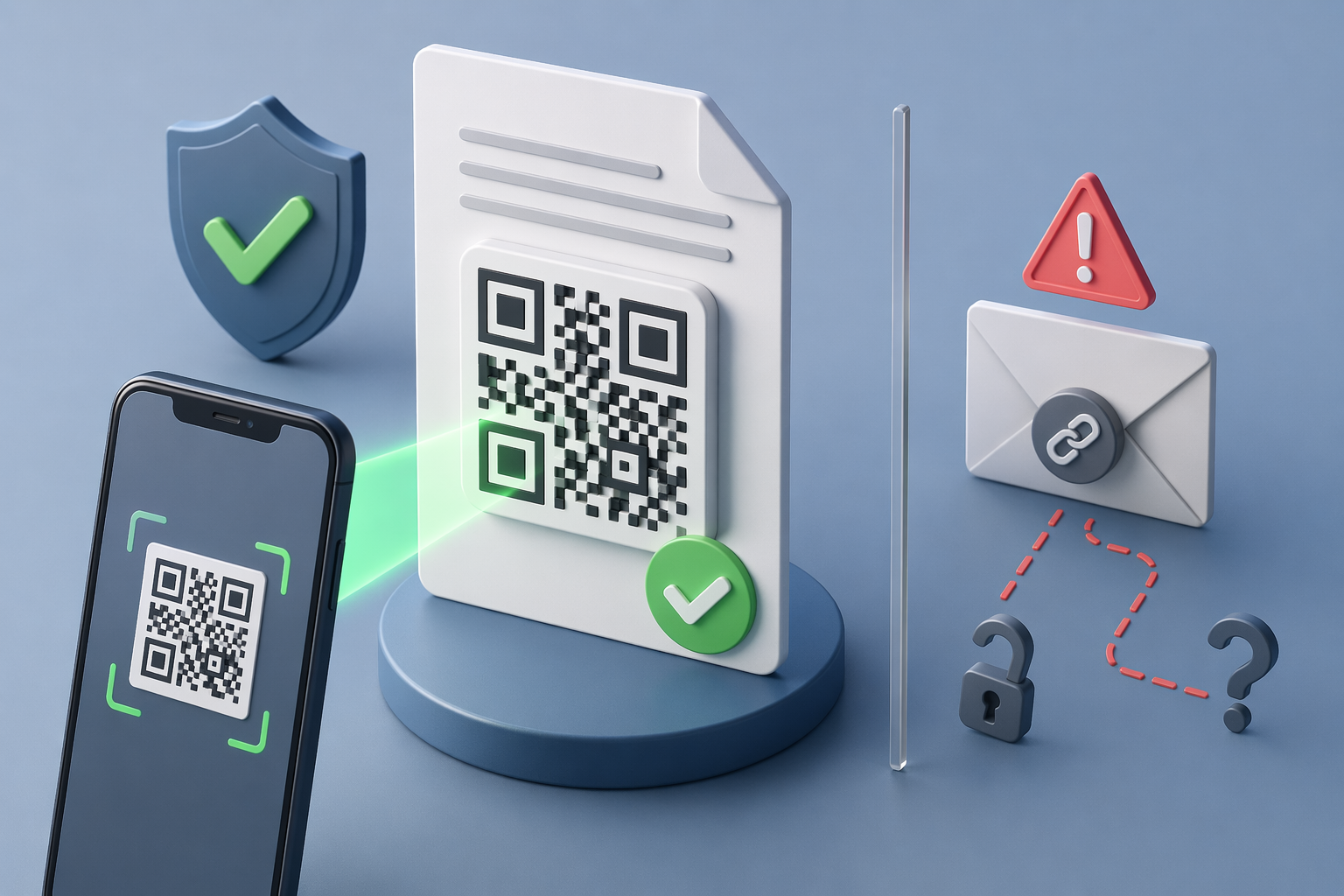
Most documents still ask you to trust them on sight. A PDF looks official, so it gets accepted — until it doesn't. QR code document verification replaces that assumption with a check anyone can run in seconds.
This guide explains how QR-backed verification actually works, how it differs from a digital signature or an emailed verification link, and where it fits for teams issuing certificates, statements, letters, and permits at scale.
What is QR code document verification?
QR code document verification is a method of proving a document is genuine by attaching a unique QR code that resolves to a live, issuer-controlled proof page. When someone scans the code, they see real-time confirmation of the document's authenticity and whether it has been altered since issuance. This replaces slow manual checks — emailing the issuing body and waiting days for a reply — with an instant, self-serve confirmation. It works for any document type: academic certificates, bank statements, contracts, permits, and official letters. Because the proof lives on the issuer's infrastructure rather than inside the document file itself, a forged copy cannot fabricate a valid result. The scan either reaches the issuer's genuine record or it does not.
How is it different from a digital signature or an email link?
A digital signature proves who signed a file at a moment in time; QR verification proves that a specific document instance is authentic and remains continuously checkable. A signed PDF can still be screenshotted, edited, and re-shared, and most recipients have no easy way to validate the signature. An emailed "verify here" link has the opposite problem: the link itself can be faked or sent from a spoofed address. A QR code printed on the document resolves to a page on the issuer's own domain, which a forger cannot control. For high-volume, real-world checks — a landlord reviewing a bank statement, an employer confirming a certificate — the QR-plus-proof-page model is faster and harder to defeat than either alternative.
Why does QR verification matter in 2026?
AI has made document forgery cheap, fast, and convincing, so the old assumption that an official-looking PDF is probably real no longer holds. Digital document forgeries rose 244% year over year in 2024 and, for the first time, overtook physical counterfeits to make up 57% of all document fraud cases (Entrust 2025 Identity Fraud Report). The sectors that absorb that cost — universities, banks, fintechs, title and escrow firms, and legal teams — need a verification method any recipient can use instantly, at scale, and across jurisdictions. A QR code that resolves to an issuer-controlled record gives them exactly that, without specialist software or a support ticket.
How do manual, signature, and QR verification compare?
The practical differences show up in three places: how long verification takes, whether the recipient can do it without contacting the issuer, and whether tampering is actually detected.
| Method | Time to verify | Works without contacting the issuer? | Detects tampering? |
|---|
| Email or phone the issuer | Hours to days | No | Partially |
|---|
| Static digital signature | Minutes (needs software) | Sometimes | Yes, if validated |
|---|
| QR code + live proof page | Seconds | Yes | Yes |
|---|
Where does VerifyDoc.ai fit?
VerifyDoc.ai is strongest when a document needs to stay provable after it is issued or signed. It attaches QR-backed verification, a hosted authenticity record, and a certificate of authenticity that a recipient can check independently — no login, no app. That makes it a fit for documents that move between teams, counterparties, regulators, and print workflows. If you are deciding between approaches, see our pillar guide on how to verify document authenticity, the deeper comparison of QR verification vs blockchain vs email links, and the step-by-step recipient's guide to verifying a QR-coded document.