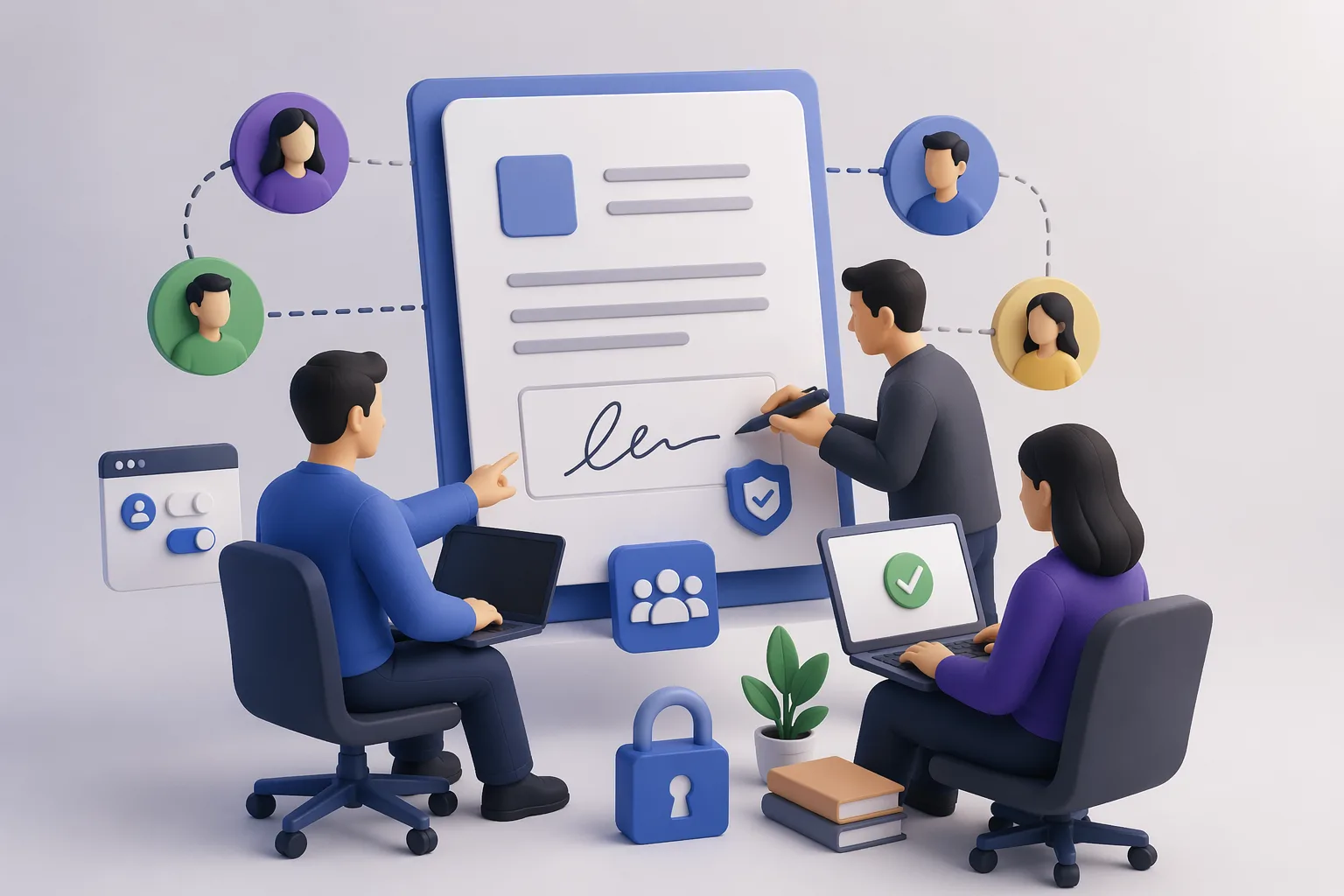
Inviting colleagues into an e-signature tool is easy. Keeping control of what they issue in your organization's name is the hard part. As soon as more than one person can send documents, you need roles, shared templates, and approvals — and a way to ensure every issued document still traces back to your organization, not an individual.
This guide covers how team e-signature workflows actually work in 2026: assigning roles, sharing templates safely, routing approvals, and using verifiable issuance so a document signed by any teammate stays provably yours.
How do you invite colleagues into an e-signature workflow?
You invite colleagues by adding them as seats and assigning each a role that scopes what they can do — draft, send, approve, or administer. Most platforms bill per seat, so adding teammates has a cost, but the more important decision is permission scope, not headcount. A junior teammate might draft documents from approved templates without the right to issue them, while a manager can approve and send. Separating "can prepare" from "can issue" is the core control: it prevents an unreviewed document from going out under your organization's name. In VerifyDoc.ai, issued documents carry issuer-controlled verification regardless of which teammate sends them, so authority stays with the organization. For the legal foundation that makes any team signature enforceable, see electronic signature vs digital signature.
What roles should a team signing setup use?
A clean team signing setup uses at least four roles so authority is explicit rather than assumed. The table below outlines a common structure and what each role should and shouldn't be able to do.
| Role | Can do | Should not do |
|---|
| Admin | Manage seats, templates, branding, verification settings | Routinely send day-to-day documents |
|---|
| Issuer/Approver | Approve and issue finished documents | Edit master template logic ad hoc |
|---|
| Drafter | Prepare documents from approved templates | Issue without approval |
|---|
| Viewer/Auditor | Review sent documents and audit trail | Send or edit documents |
|---|
This separation keeps drafting fast while ensuring issuance — the moment a document becomes official — passes through someone accountable. It also gives you a clean audit trail of who prepared, who approved, and who issued each document, which matters for compliance frameworks like HIPAA e-signature controls.
How do shared templates and approvals keep control?
Shared templates and approval routing keep control by making the approved version the only easy path to send. When teammates draft from locked master templates, you standardize language, fields, and branding so off-policy documents don't slip out. Approval steps then gate issuance: a drafter prepares, a designated approver reviews, and only then does the document go out. This matters because the cost of an unauthorized or altered document is rising — digital document forgeries climbed 244% year over year in 2024 and now account for 57% of all document fraud (Entrust 2025 Identity Fraud Report). With VerifyDoc.ai, every document issued from a shared template also carries a QR-backed proof page, so even after it leaves the team, recipients can confirm it's the genuine, unaltered version. See how to issue a certificate of authenticity.
How do you keep verifiable control after a document is issued?
You keep verifiable control after issuance by ensuring every document — no matter which teammate sent it — resolves to your organization's issuer-controlled proof page, not an individual's. This is the difference between team signing and verifiable team issuance. A standard e-signature workflow ends when the signature is captured; control effectively stops there, and the file can be altered or impersonated downstream. VerifyDoc.ai extends control past that point: each issued document links to a live proof page on your organization's domain, so a recipient scanning the QR code confirms authenticity against your record, which no individual teammate or outsider can fake. That keeps authority centralized even as signing is distributed across the team. For the recipient's side, see QR code document verification and the pillar on verifying document authenticity.
How do you scale team signing without chaos?
You scale team signing by standardizing templates centrally, distributing drafting widely, and keeping issuance and verification controlled. The failure mode is letting everyone build their own templates and send freely — that's how inconsistent, unverifiable documents proliferate. Instead, maintain a small set of admin-owned master templates, give most people drafter access, and reserve issuance for accountable approvers. Pair that with issuer-controlled verification so growth in volume doesn't dilute control: a thousand documents a month can all resolve to the same trustworthy proof page. Review the audit trail periodically to confirm roles are being respected. This structure lets a team grow signing volume while every issued document stays standardized, approved, and independently provable as genuine.