A signed document is only as trustworthy as a recipient's ability to check the signature. For decades that meant opening a PDF in the right reader and squinting at a signature panel most people never touch.
QR code signature validation flips that: the proof of a valid, unaltered signature is one scan away, on a page the issuer controls. This article explains how it works after signing, and why QR-backed validation is becoming the 2026 default.
What is QR code signature validation?
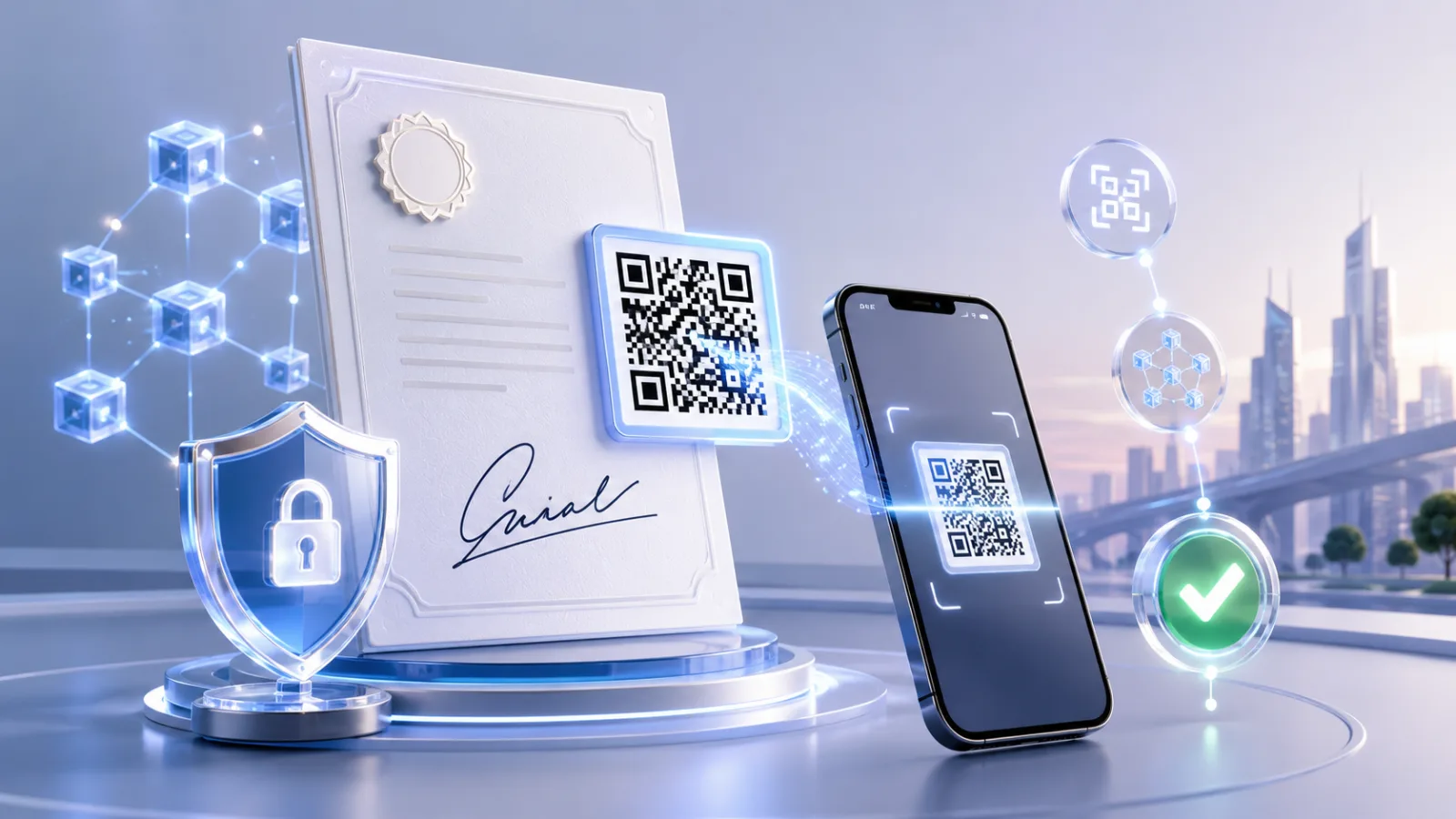
QR code signature validation is a method of confirming that a signed document is genuine and unchanged by scanning a QR code that resolves to the issuer's live proof page. After a document is signed, the platform records a cryptographic fingerprint (hash) of the finished file and links it to a unique, scannable code printed or embedded on the document. When a recipient scans, the proof page recomputes and compares that fingerprint and reports a plain result: the signature is valid and the document is unaltered, or it is not. Crucially, validation happens after signature — it proves the finished, signed instance, not just that someone clicked "sign." Because the record lives on the issuer's infrastructure, the same scan returns the same authoritative answer for any recipient, on any device, without an account or specialist software.
How is QR validation different from opening a PDF signature panel?
A PDF signature panel and a QR scan answer a similar question very differently. To use a signature panel, a recipient must open the file in a reader that supports it (often Adobe Acrobat), find the signatures pane, and interpret messages about certificate trust chains — and a green check only means the reader trusts the signing certificate, not that the recipient can confirm who really issued the document. Many people never open the panel at all, and screenshots or printed copies strip the signature entirely. A QR scan removes that friction: it works from a phone camera, returns a human-readable authentic status, and survives printing because the code resolves to a hosted record rather than relying on embedded file data. For background on the underlying difference between the cryptography and the legal act of signing, see electronic signature vs digital signature.
Why is QR-backed validation becoming the default in 2026?
QR-backed validation is becoming the default because the threat and the audience both changed. AI made forgery cheap: digital document forgeries rose 244% year over year in 2024 and now make up 57% of all document fraud, overtaking physical counterfeits for the first time (Entrust 2025 Identity Fraud Report). At the same time, QR scanning went mainstream — about 68% of U.S. consumers scanned a code in the past year (Statista). When forgery is trivial and nearly everyone can scan, the practical defence is a verification step any recipient can complete instantly. A QR code resolving to an issuer-controlled proof page meets that bar in a way a buried signature panel never could, which is why issuers in legal, HR, finance, and education are standardizing on it.
How does QR signature validation compare to a PDF signature panel?
The two approaches diverge on who can verify, what they need, and what survives real-world handling.
| Factor | PDF signature panel | QR code + proof page |
|---|
| Tooling needed | Compatible PDF reader | Any phone camera |
|---|
| Result format | Certificate trust messages | Plain authentic / not authentic |
|---|
| Survives printing | No (signature is lost) | Yes (code resolves to record) |
|---|
| Confirms issuer identity | Only via certificate chain | Yes, via issuer domain |
|---|
| Recipient effort | Open file, find pane, interpret | One scan, read result |
|---|
Where does VerifyDoc.ai fit in signature validation?
VerifyDoc.ai is built for the step after signing: proving the finished, signed document stays authentic and unaltered. It attaches QR-backed validation, a hosted issuer-controlled proof page, and a certificate of authenticity to signed documents, so recipients confirm them with no login or app. That makes it complementary to e-signature tools rather than a replacement for the signing act itself — it proves the result. To see how this layers onto signing workflows, explore VerifyDoc.ai e-signatures, the pillar guide on verifying document authenticity, and the step-by-step recipient's guide to verifying a QR-coded document.