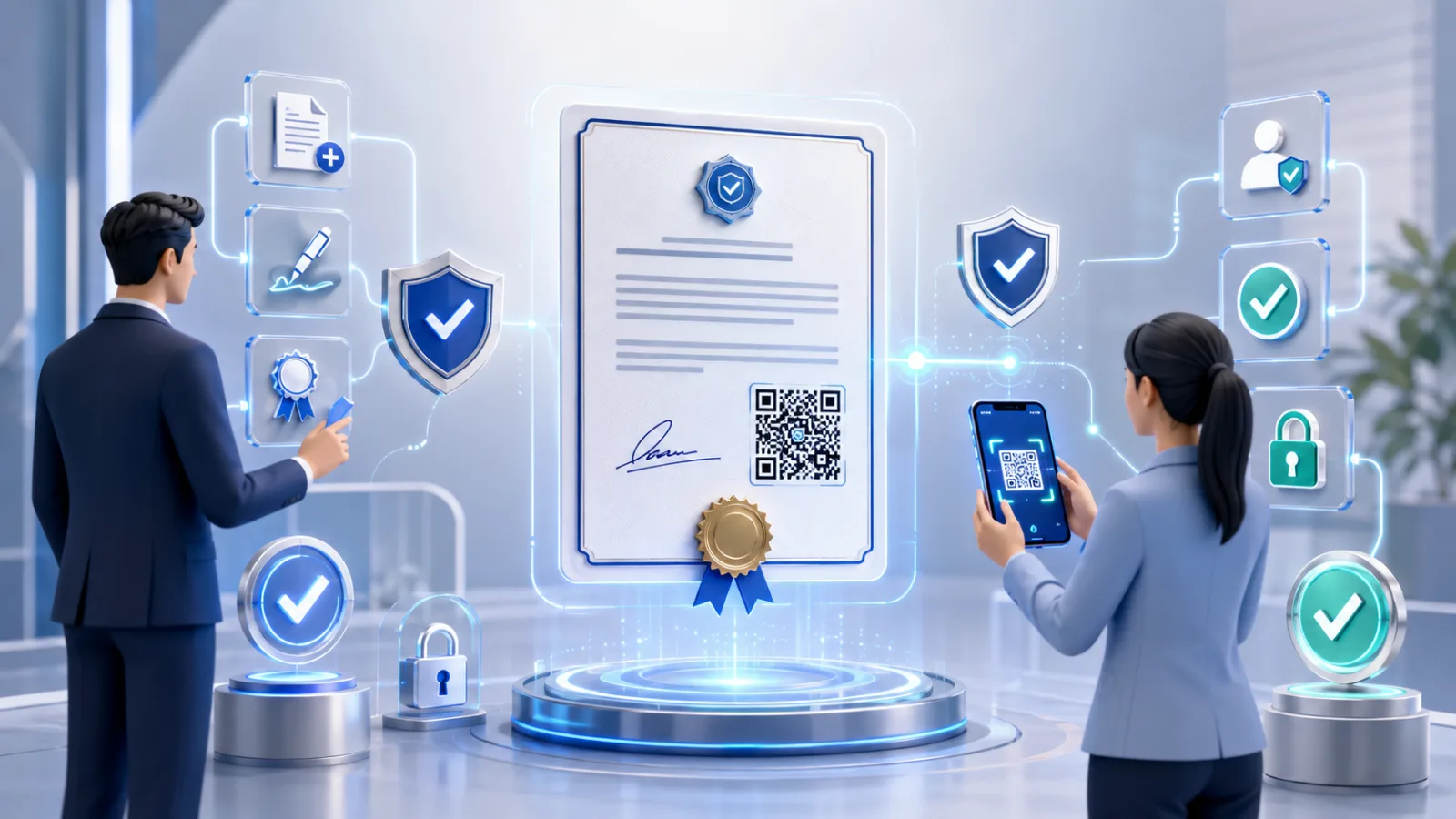
Certificates — degrees, professional credentials, completion records — are among the most forged documents because they unlock jobs, licences, and admissions. QR code verification makes a certificate prove itself.
This 2026 guide covers both sides: how an issuer makes certificates QR-verifiable, and how a recipient checks one in seconds. The mechanics are the same underneath, but the checklist differs depending on which side of the certificate you are on.
What is QR code certificate verification?
QR code certificate verification is a method of proving a certificate is genuine by attaching a unique QR code that resolves to the issuer's live proof page. At issue time the platform records a cryptographic fingerprint of the certificate and links it to a scannable code; when anyone scans it, the proof page confirms whether the certificate is authentic and unaltered and shows details like the holder's name, the credential, the issuer, and the issue date. It replaces the slow legacy path — emailing a registrar and waiting days — with an instant, self-serve check on infrastructure the issuer controls. This matters because credential fraud is large: the academic-fraud ecosystem of diploma mills, fake degrees, and contract cheating is estimated at around $21 billion, with 1,000-plus diploma mills in the U.S. alone (Parchment).
How do issuers make certificates QR-verifiable?
Issuers make certificates QR-verifiable in a few steps that happen at or just after issue time. First, the certificate data is finalized and the platform computes a cryptographic hash of the file, creating a tamper-evident fingerprint. Second, a unique QR code is generated and embedded on the certificate, linking that specific instance to its hosted record. Third, the record is published to an issuer-controlled proof page with an audit trail, so every future scan resolves to the issuer's own domain. With VerifyDoc.ai, this attaches QR-backed verification, a hosted proof page, and a certificate of authenticity without changing how certificates are designed or distributed. The issuer keeps control of the destination and the record, which is what prevents a forger from fabricating a valid result. For the broader playbook, see how to issue a certificate of authenticity.
How do recipients check a QR-coded certificate?
Recipients check a QR-coded certificate in under a minute with just a phone. Scan the code with your camera or any QR reader, let it open the proof page in your browser, and confirm three things: the page is on the issuer's genuine, correctly spelled domain; it states the certificate is authentic and unaltered; and the details shown — holder name, credential, issuer, date — match the certificate in front of you. A genuine certificate resolves to a live issuer record that confirms all three. A fake links nowhere, opens a plain file instead of a proof page, lands on a look-alike domain, or shows details that do not match. No app, account, or login is needed. For a fuller walkthrough, see the step-by-step recipient guide.
What do issuers and recipients each need to do?
The two sides of certificate verification have different responsibilities but rely on the same issuer-controlled record.
| Step | Issuer side | Recipient side |
|---|
| Setup | Hash the certificate, generate a unique QR code | Use any phone camera or QR reader |
|---|
| Action | Publish the record to an issuer-controlled proof page | Scan the code and open the proof page |
|---|
| Verify | Maintain the live record and audit trail | Confirm domain, authentic status, and matching details |
|---|
| Outcome | Recipients can self-serve verify, anytime | Instant authentic-or-not result, no waiting on the registrar |
|---|
Why does QR certificate verification matter in 2026?
QR certificate verification matters in 2026 because forgery got cheap and scanning got universal. Digital document forgeries rose 244% year over year in 2024 and now make up 57% of all document fraud, overtaking physical counterfeits for the first time (Entrust 2025 Identity Fraud Report), while roughly 68% of U.S. consumers have scanned a QR code in the past year (Statista). For universities, certifying bodies, and employers, that combination makes an instant, self-serve check the only practical defence at scale. A QR code resolving to an issuer-controlled record gives every verifier — admissions officer, recruiter, or licensing board — a way to confirm a certificate without a support ticket. See the pillar on verifying document authenticity for the wider framework.