Migrating e-signature tools sounds heavy, but a basic switch from DocuSign to VerifyDoc.ai is mostly export, recreate, and test. The goal isn't to rip out DocuSign overnight — it's to stand up verifiable issuance in parallel, confirm it works on real documents, then move volume across at your own pace.
This guide walks through the switch as numbered steps: what to export from DocuSign, how to set up QR-backed verifiable issuance in VerifyDoc.ai, how to run both tools side by side, and how to know when you're ready to cut over.
What should you export from DocuSign before switching?
Before switching, export three things from DocuSign: your templates, your completed-document records with their certificates of completion, and your envelope/audit history for documents you must retain. DocuSign lets administrators download completed documents and their audit trail (the certificate of completion), which you should archive so your historical signing record survives the migration. Retention is a legal requirement, not just good housekeeping — under the US ESIGN Act and UETA, an electronic signature stays enforceable in part because the record is retained and reproducible. Pull a representative sample of your live templates too, since you'll recreate the most-used ones first. Keep this export even after you cut over, because it preserves the provenance of everything you signed in DocuSign before the move.
How do you set up verifiable issuance in VerifyDoc.ai?
Set up verifiable issuance by recreating your core templates in VerifyDoc.ai and enabling QR-backed verification on issued documents. Unlike a signing-only setup, VerifyDoc.ai attaches a unique QR code that resolves to a live, issuer-controlled proof page, plus a certificate of authenticity, so a recipient can confirm the finished document is genuine and unaltered — no login, no app. This is the capability that signing tools alone don't provide: proving the document after it's issued, not just capturing the signature. Configure your sender identity and branding so the proof page resolves on a domain recipients recognize, since a forger cannot control the issuer's own domain. For the underlying model, see QR code document verification: how it works and the pillar on verifying document authenticity.
What are the steps to switch in 30 minutes?
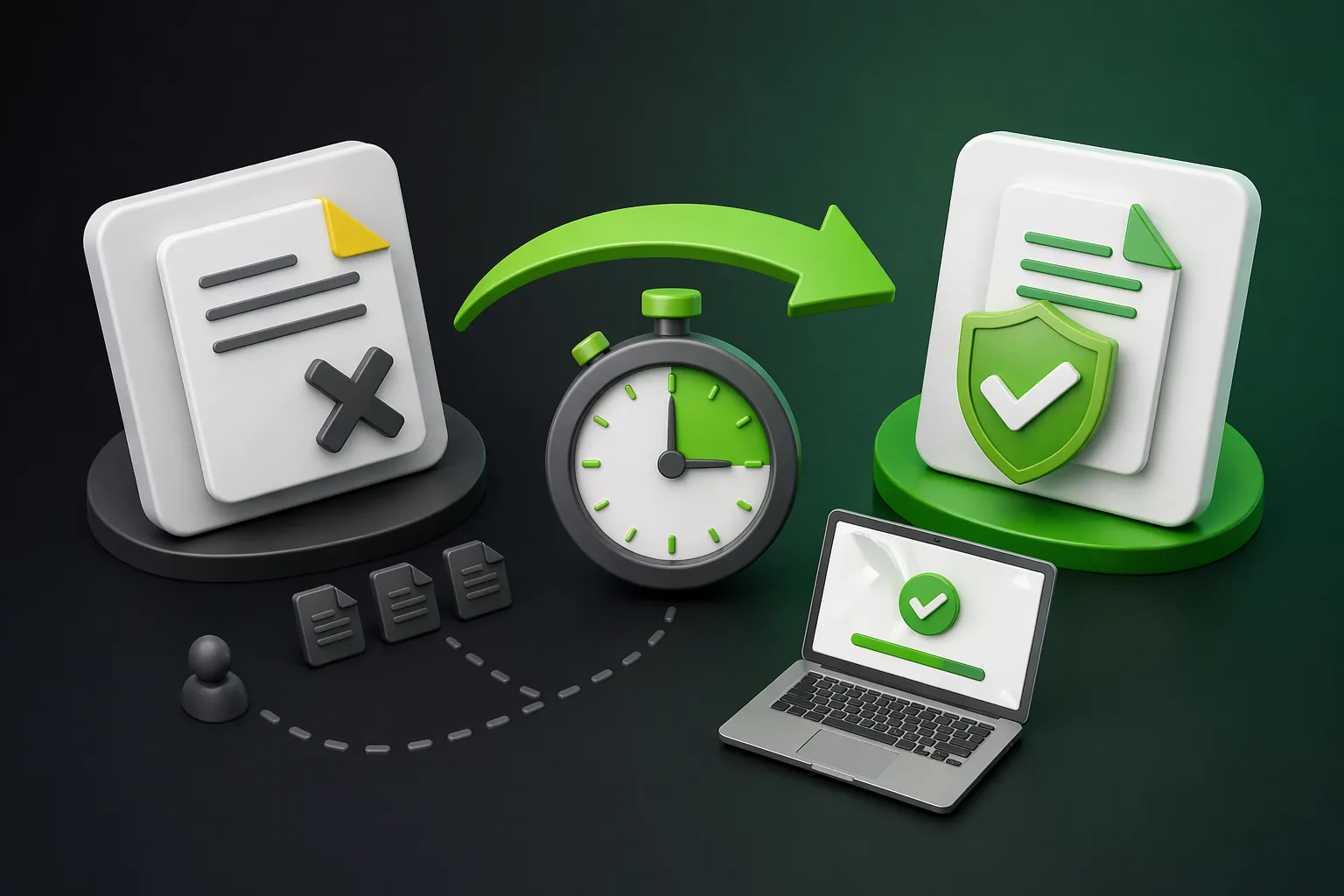
The switch breaks into six steps you can complete in roughly half an hour for a basic setup, then scale afterward. The table maps each step to its rough time and outcome.
| Step | Action | ~Time | Outcome |
|---|
| 1 | Export DocuSign templates + completed records | 5 min | Historical record archived |
|---|
| 2 | Create your account and sender identity | 3 min | Issuer domain set |
|---|
| 3 | Recreate your top 1–3 templates | 8 min | Core workflows ready |
|---|
| 4 | Enable QR-backed verifiable issuance | 4 min | Proof pages live |
|---|
| 5 | Send a test document and self-verify the QR | 5 min | End-to-end confirmed |
|---|
| 6 | Invite a teammate and run in parallel | 5 min | Dual-running started |
|---|
Thirty minutes covers a basic, single-workflow switch. Migrating many templates, integrations, or large teams takes longer, but the parallel-running approach means you're never without a working signing path.
How do you run DocuSign and VerifyDoc.ai in parallel?
Run them in parallel by routing a slice of real volume through VerifyDoc.ai while DocuSign continues to handle the rest, then expand as confidence grows. Start with one document type — an offer letter, a statement, or a certificate — that benefits most from recipient-checkable verification. Send those through VerifyDoc.ai and verify each one yourself by scanning the QR code to confirm the proof page resolves correctly. Keep DocuSign live for everything else so there's no gap in your signing capability. This dual-running phase is where you catch template differences, branding tweaks, and recipient questions on low risk. It also lets stakeholders see verifiable issuance working before you commit fully. For why teams make this move, see VerifyDoc.ai vs DocuSign.
When is it safe to fully cut over from DocuSign?
It's safe to cut over once your highest-volume templates are recreated, your team can self-serve, and recipients are successfully verifying issued documents without support tickets. Confirm three things: every business-critical template exists in VerifyDoc.ai, your historical DocuSign records are archived for retention, and a sample of recipients has verified real documents end to end. The driver for completing the move is that signing alone no longer matches the threat environment — digital document forgeries rose 244% year over year in 2024 and now make up 57% of all document fraud (Entrust 2025 Identity Fraud Report). When verifiable issuance is carrying your real workflows reliably, you can downgrade or cancel DocuSign, keeping only the archived export for provenance.